
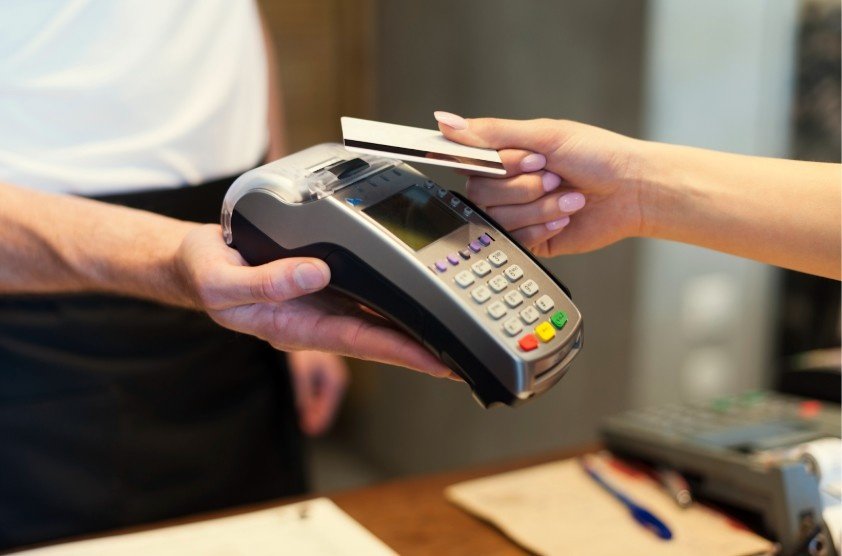
When I first started accepting payments for my business, I assumed getting a credit card machine would be complicated and expensive. In reality, once I understood the process, it became clear that getting a credit card machine for a small business is mostly about choosing the right setup for how you sell.
I’ll walk you through exactly what you need, how the process works, and how to avoid common mistakes.
Why Small Businesses Need a Credit Card Machine Today
Customers expect to pay with cards, phones, and contactless options. Cash-only businesses often lose sales without realizing it.
A credit card machine allows you to:
- Accept debit and credit cards
- Take contactless and mobile wallet payments
- Look more professional and trustworthy
- Speed up checkout
- Increase average transaction value
For most small businesses, card acceptance is no longer optional.
What You Need Before Getting a Credit Card Machine

Before you apply for a credit card machine, a few basics need to be in place.
Business Requirements to Accept Card Payments
Most providers will ask for:
- A registered business (sole proprietor, LLC, or corporation)
- A business bank account
- Basic business details (address, EIN or SSN)
- Estimated monthly sales volume
Having these ready speeds up approval.
Step-by-Step: How to Get a Credit Card Machine for Small Business
This is the process I followed, and it’s the same for most US businesses.
Step 1: Decide How You’ll Accept Payments
Start by identifying how and where you sell:
- In-store or at a fixed counter
- On the go (markets, events, service calls)
- Online or over the phone
This determines the type of credit card machine you need.
Step 2: Choose the Right Type of Credit Card Machine
Not all credit card machines work the same way.
Mobile Card Readers
Best for:
- Service businesses
- Pop-ups and events
- Very small businesses
They connect to a smartphone or tablet and are usually the most affordable option.
Countertop Credit Card Terminals
Best for:
- Retail stores
- Restaurants
- Salons
These plug into power and the internet and handle high transaction volumes reliably.
POS Systems for Small Business
Best for:
- Businesses that need inventory, receipts, and reporting
- Retail and hospitality
A POS system combines a card machine with software and business tools.
Step 3: Apply for a Merchant Account or Payment Processor
To process card payments, you need a payment processor. Some providers give you:
- A traditional merchant account
- An all-in-one payment processing solution
During signup, you’ll provide business details and banking information. Approval can be instant or take a few days, depending on the provider.
Step 4: Select Your Credit Card Machine
Once approved, you’ll either:
- Buy a credit card machine
- Rent one monthly
- Receive one included with your service
I recommend understanding whether the device is locked to one provider or works across multiple processors.
Step 5: Set Up and Test Your Machine
After your machine arrives:
- Connect it to Wi-Fi or cellular service
- Link it to your bank account
- Run a test transaction
Testing ensures the payment process correctly before you start using it with customers.
How Much Does a Credit Card Machine Cost for Small Business?
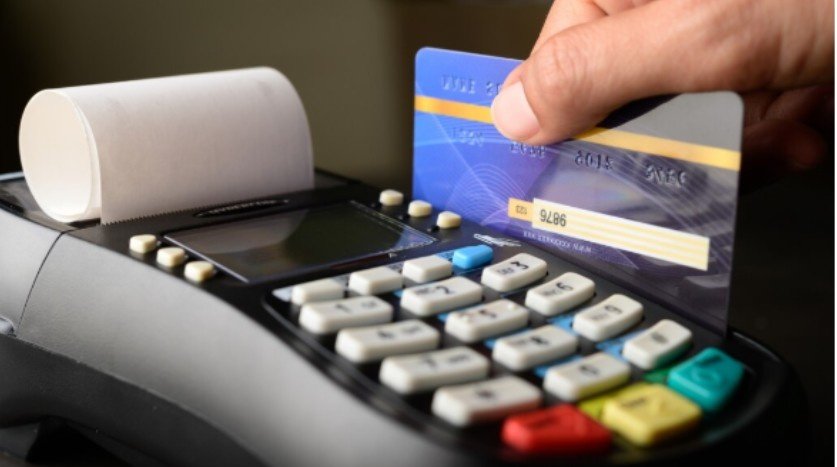
Costs vary based on equipment and provider.
Typical Costs to Expect
- Card reader: $0–$100
- Countertop terminal: $200–$800
- POS system: $0–$1,500+
- Processing fees: usually 2%–3% per transaction
Some providers charge monthly fees, while others don’t. Always read the pricing details carefully.
Understanding Credit Card Processing Fees
Processing fees are unavoidable, but they shouldn’t be confusing.
Common Small Business Processing Fees
- Transaction percentage
- Per-transaction fee
- Monthly service fee (sometimes)
- Chargeback fees
I always look for transparent pricing and avoid long-term contracts when possible.
Security and Compliance Basics You Should Know
Any business that accepts cards must follow basic security standards.
PCI Compliance for Small Businesses
PCI compliance helps protect customer data. Most processors handle the technical side, but you may need to:
- Complete a short compliance questionnaire
- Use secure equipment
- Follow basic data-handling rules
This is standard and usually straightforward.
Common Mistakes Small Businesses Make
I’ve seen many small business owners run into issues by:
- Renting expensive machines long-term
- Ignoring processing fees
- Choosing equipment that doesn’t match how they sell
- Skipping test transactions
- Locking into long contracts too early
Taking time to compare options prevents these problems.
How Long Does It Take to Get a Credit Card Machine?
In most cases:
- Account approval: same day to a few business days
- Device delivery: 1–5 business days
- Setup: under an hour
Many businesses can start accepting card payments within a week.
Frequently Asked Questions
1. Do I need an LLC to get a credit card machine?
No. Sole proprietors can get a credit card machine using their SSN, though an LLC offers added protection.
2. Can I use my phone as a credit card machine?
Yes. Mobile card readers turn smartphones into payment terminals.
3. Are credit card machines safe for small businesses?
Yes, as long as you use PCI-compliant equipment and follow basic security guidelines.
4. Can I accept contactless payments?
Most modern credit card machines support tap-to-pay and mobile wallets.
Final Thoughts
Learning how to get a credit card machine for a small business is less about technology and more about fit. The best setup matches how you sell, how often you process payments, and how much flexibility you need.
When you choose equipment and processing that work with your business, not against it accepting payments becomes seamless. Once that’s in place, you can focus on growth, customer experience, and running your business with confidence.